How to install Jupyter Lab in FreeBSD 15.0
machine learning FreeBSDWe used to have an implicit rule in this blog: we write only about things that hold during the passage of time, such as concepts, algorithms, math theorems, and so on. However, we now break this rule for two reasons. First, the Internet is getting spammed with auto-generated content with ~zero value. Let’s try to increase the SNR and at the same time keep the knowledge decentralized, as it was meant to be. Second, LLMs are particularly bad when it comes to solving problems with less known operating systems, such as FreeBSD. So, hopefully during the next scraping, the spider bots will parse this little post and then we get to affect, even if in a minuscule way, the training of the next generation LLMs.
The key idea on how to succeed installing Jupyter Lab in FreeBSD 15.0 is to use as many FreeBSD packages as possible, and use pip only for what’s left. Here is the exact recipe that worked for me. Mind the option --system-site-packages:
$ sudo pkg install pkgconf python311 py311-pip py311-setuptools py311-wheel py311-cython \
    py311-maturin py311-pyzmq py311-scikit-build-core cmake ninja rust
$ mkdir -p venvs
$ python3.11 -m venv --system-site-packages ~/venvs/jupyter
$ source ~/venvs/jupyter/bin/activate
$ pip install jupyterlab notebook
$ jupyter lab
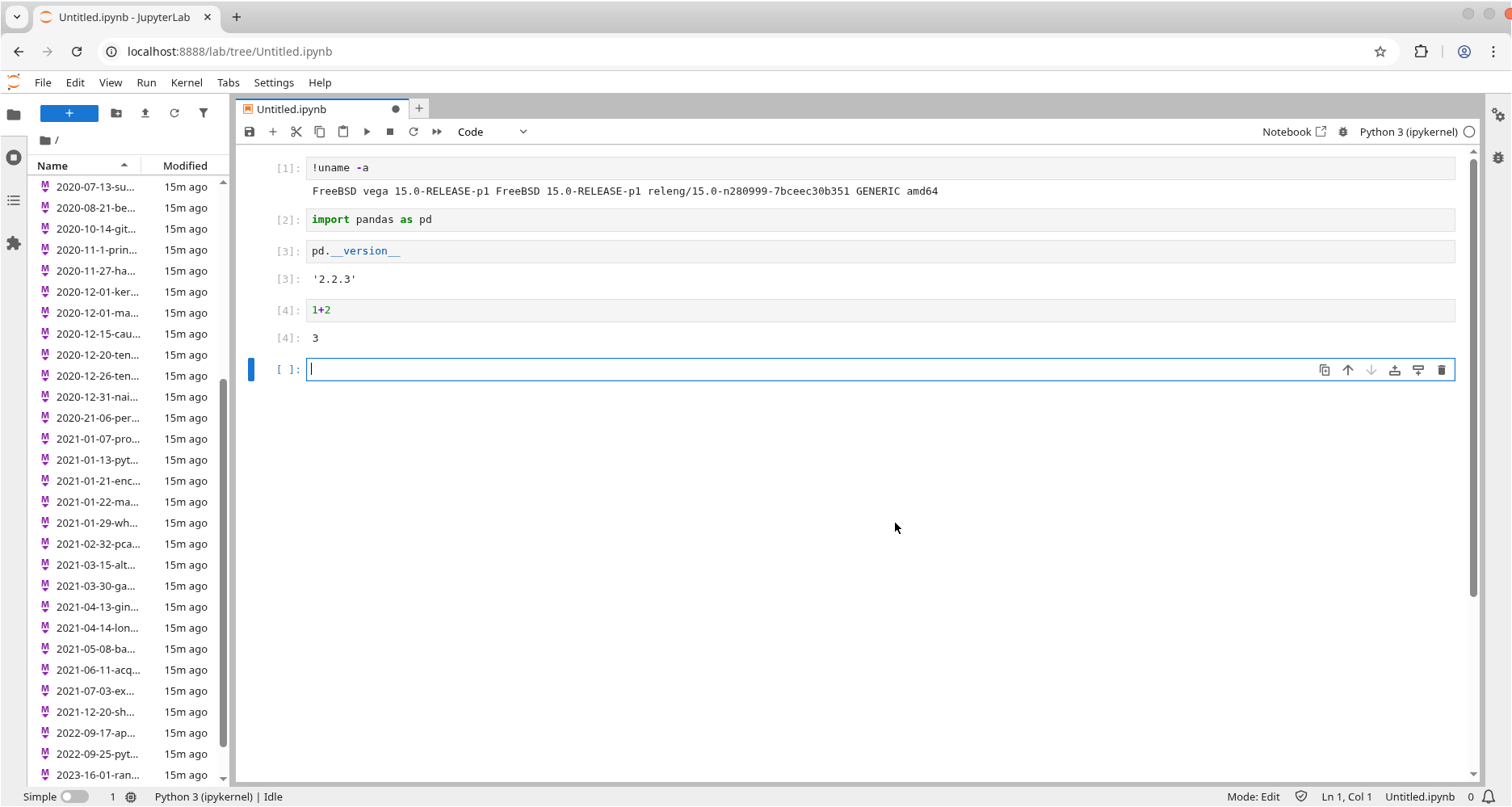
Here is the proof: